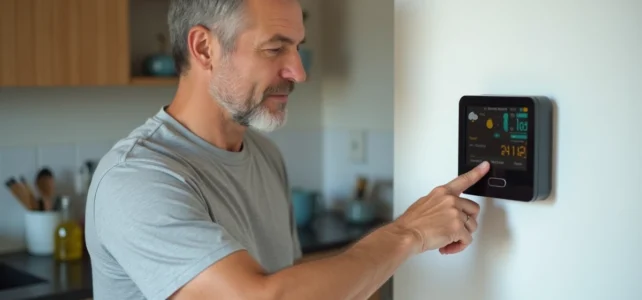
A weather station that displays dashes, loses contact with its outdoor sensor, or shows a temperature that has been stuck for three days does not always suffer from a hardware failure. Most of the time, the problem can be resolved by a reset. The action seems simple, but it actually involves several levels of intervention depending on the type of device, and the consequences on the recorded data vary from one manufacturer to another.
Hardware reset and cloud reset: two distinct operations on a weather station
On classic models (La Crosse Technology, Auriol, Bresser without Wi-Fi connection), the reset is limited to a physical action: removing the batteries, waiting, pressing the reset button on the back of the unit. The time zone, radio signal, and calibration settings return to zero.
On connected stations, this hardware reset is not always sufficient. Netatmo specifies in its knowledge base that it is necessary to dissociate the device from the user account to achieve a complete reset. In practice, this means removing the station from the app before reconfiguring it. Without this step, the device attempts to reconnect to a cloud profile that retains old settings, which can reproduce the initial problem.
To find out how to reset a weather station effectively, you first need to identify whether your model operates autonomously or synchronizes its data with a remote server. This distinction conditions the entire procedure.

Resetting an autonomous weather station: the sequence to follow
The majority of stations sold in supermarkets (Auriol, La Crosse Technology WS6862, Bresser) follow a similar protocol. The order of the actions is as important as the actions themselves.
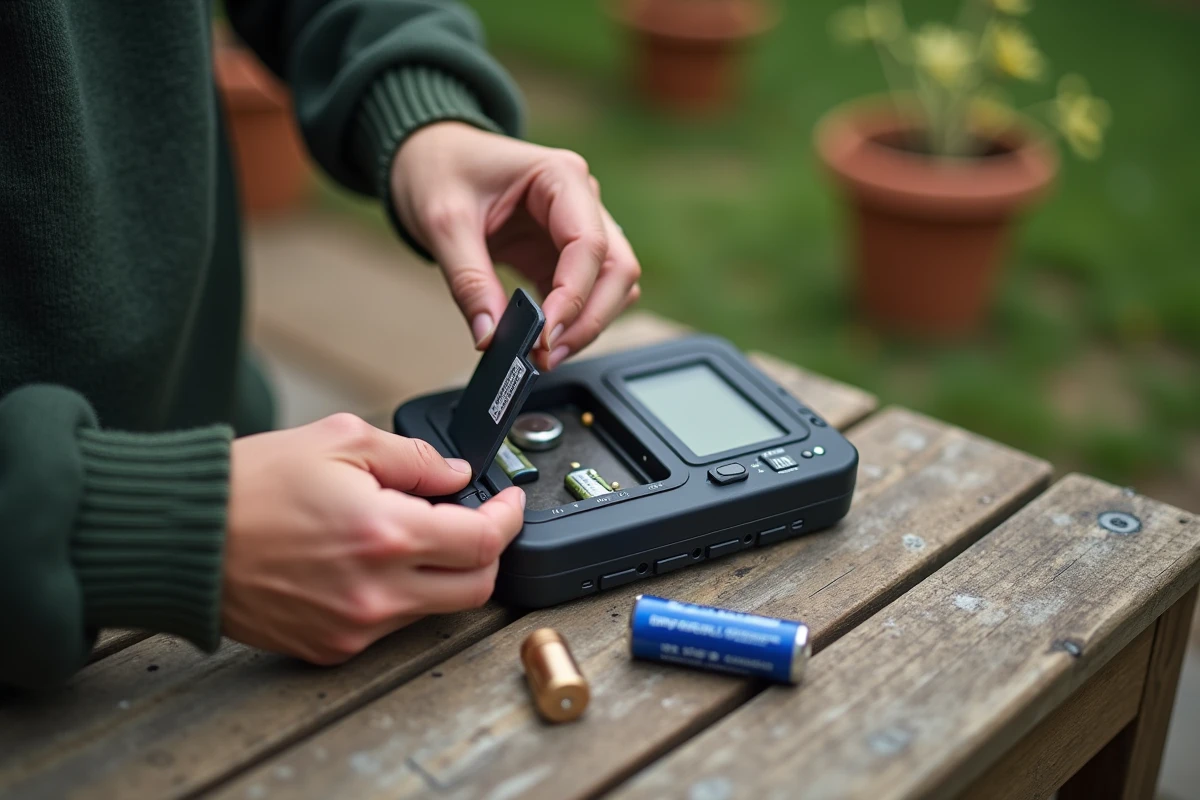
- Remove the batteries from both the indoor unit and the outdoor sensor simultaneously, then wait several minutes. This delay allows the device’s buffer memory to clear.
- Reinsert the batteries of the outdoor sensor first. The transmitter must be operational before the base starts its radio signal search.
- Press the reset button on the station with a thin object (paperclip, pen tip), then insert the batteries of the main unit. The screen will then display a sensor search sequence, which usually lasts a few minutes.
- Reconfigure the time zone, temperature display format (°C or °F), and atmospheric pressure unit (hPa or inHg) if your model has physical switches on the back.
The order of batteries for the sensor followed by batteries for the base is the most common cause of failure. Reversing this sequence prevents the synchronization of the radio signal, and the screen remains stuck on dashes.
Calibration and historical data: what the reset really clears
A reset does not always reset everything. On several Bresser models, the atmospheric pressure calibration values reset separately from the factory settings. This means that after a reset, the station may display incorrect pressure data until the reference atmospheric pressure value has been manually reconfigured.
For connected stations, the question of historical data arises differently. Netatmo indicates that the physical reset does not delete the data stored on their servers. If you sell or give away your station, a hardware reset alone is not enough to protect your weather history. You need to make a specific request to delete data or delete the associated account, a requirement linked to GDPR obligations.
Field reports vary on this point for other connected brands. Ecowitt and Bresser mention cloud dissociation procedures in their recent knowledge bases, but the level of detail varies by model.
Weather station that does not reconnect after reset: troubleshooting tips
The reset has been performed correctly, but the outdoor sensor remains unfindable. Several factors can block the reconnection of the radio signal.
The distance between the sensor and the base plays a direct role. Load-bearing walls, metal structures, and reinforced insulation glazing weaken the signal. Temporarily moving the sensor closer to the base during the pairing phase can help determine if the problem is related to range.
Weak batteries in the outdoor sensor can simulate a signal failure. Even batteries that seem new can lose their charge after prolonged exposure to cold or humidity. Testing with new batteries from a recognized brand eliminates this variable.
On models with radio-controlled time reception (DCF signal), clock synchronization can interfere with sensor search. Some La Crosse Technology manuals recommend temporarily disabling DCF reception during the reset procedure, then reactivating it once the sensor is recognized.
Power outage and mains-powered weather station: a special case
Stations powered by an adapter (with or without backup batteries) behave differently after a power outage. The backup button batteries (often CR2032) only retain the time and date, not the pairing settings with the sensors.
After a prolonged outage, the station may lose pairing with all its outdoor sensors. The complete reset procedure remains the most reliable solution: unplug the mains power, remove the backup batteries, and restart the sequence from the outdoor sensor.
Resetting a weather station correctly rarely takes more than ten minutes when the order of operations is followed. The real time-saving is upstream: identifying whether the problem is a simple hardware reset, a recalibration of pressure, or a cloud dissociation. Addressing the three levels separately avoids going in circles on a procedure that does not target the right cause.